
Performance Marketing
How to Identify and Fix Duplicate Conversions Tracking Across Advertising Platforms
November 16, 2026 · 2 min read · by qcvimarketing@qcverify.com
Duplicate conversion tracking can inflate advertising results and affect campaign decisions. Learn how to identify repeated conversion events, investigate tracking issues, and implement proper event deduplication across advertising platforms.
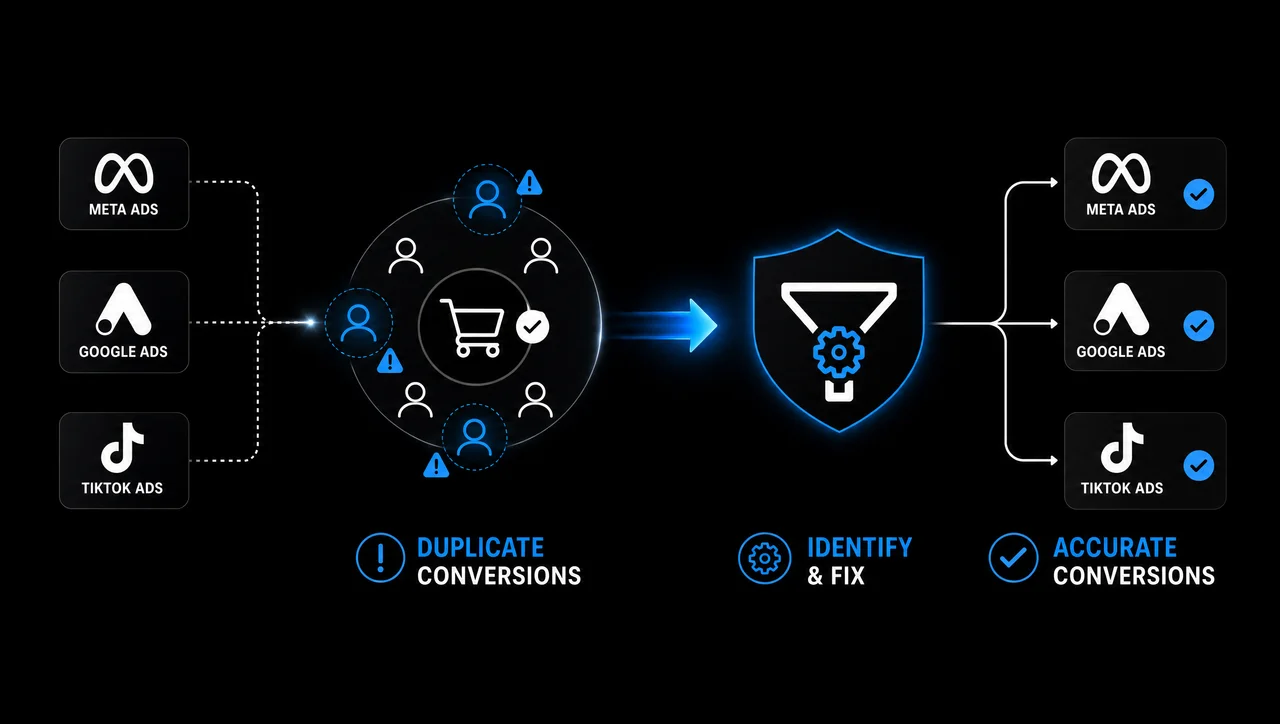
Businesses are running Google Ads and Meta campaigns. Both platforms report 120 conversions for the month, but the CRM shows only 75 new enquiries. Which figure do you trust?
This is a classic case of duplicate conversion tracking. The same customer action is being recorded more than once, which is what’s making the ad reports look so good. All the budget decisions are being made on that inflated figure.
Why Duplicate Conversion Tracking Happens
Most tracking issues arise when multiple tools independently record the same action.
For instance, a site may have a Meta Pixel installed via Google Tag Manager and another instance of the pixel added directly to the code. A lead form submission could then trigger an event from both installations. The same issue can arise when a browser event and a server-side event both report a purchase without the events being properly matched.
Thank you pages can be a problem too. If a conversion fires every time someone refreshes the thank-you page, one completed enquiry can end up as several conversions.
How to Find Duplicate Conversion Events
Start with the conversion actions set up in each ad account. Check that the same form submission, purchase or booking isn’t being counted under multiple event names.
Then compare the platform reports with the website analytics and CRM records. Look at the event timestamp, transaction ID, lead ID and conversion source where available. If two records have the same order ID or lead ID, then it’s worth investigating whether that’s one customer action.
Testing tools can help here. Google Tag Assistant, Meta Events Manager and the preview mode in Google Tag Manager will all show you which tags fire when a user completes an action.
Fix the Tracking Before Changing Campaign Budgets
Choose one reliable event setup for each conversion action. Remove the old tags and don’t install the same pixel in multiple ways unless the setup specifically requires it.
For browser and server-side tracking, use event IDs or transaction IDs to enable deduplication. The platform can then identify matching events rather than treating both as separate conversions.
Also check your conversion settings. Work out which actions are important for your reporting and for your bidding. A page view should not be treated as having the same value as a purchase.
For a more comprehensive review of performance marketing measurement, link your advertising data to actual sales and customer acquisition cost.
Final Thoughts
Duplicate conversion tracking can quietly screw up your campaign reports for months. Don’t jump to conclusions about an ad platform based on its reported ROAS or cost per lead until you’ve confirmed the underlying events are real, unique customer actions. Clean data is the essential foundation for any budget decision.
FAQ
Frequently asked questions
What is duplicate conversion tracking?
How do I check for duplicate conversions?
Does server-side tracking stop duplicate conversions?
Next step
Discuss this for your team
Book a strategy call and we'll apply this thinking to your accounts.